


Ask Paige About a Document
Ask Paige answers questions about the document you have open. Instead of reading through every page to find a date, a claim or a requirement, ask for it. Paige answers from the document itself and shows you which page each part of the answer came from.
Asking a question
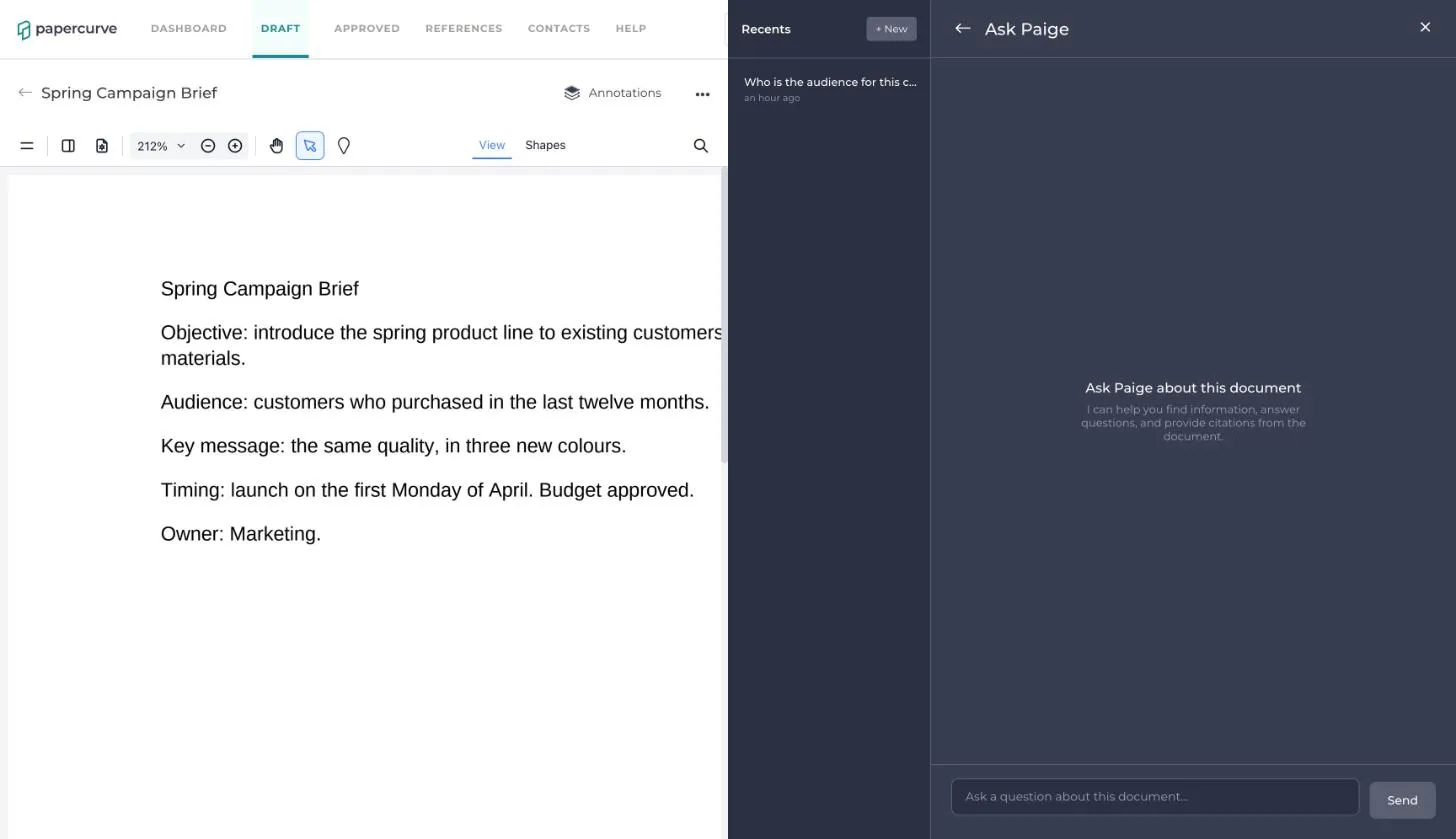
1. Open the document. In the side panel, click Ask Paige.
2. The Ask Paige panel opens beside the document. Type your question in the box at the bottom and click Send.
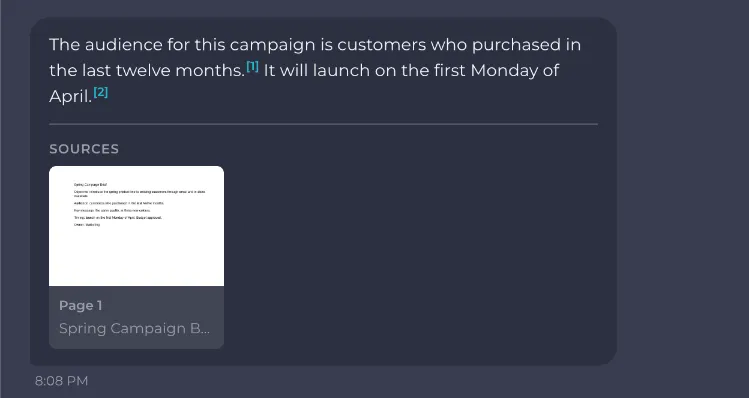
3. Paige replies in a few seconds. The small numbers in the answer are citations, and the pages they refer to are listed under Sources.
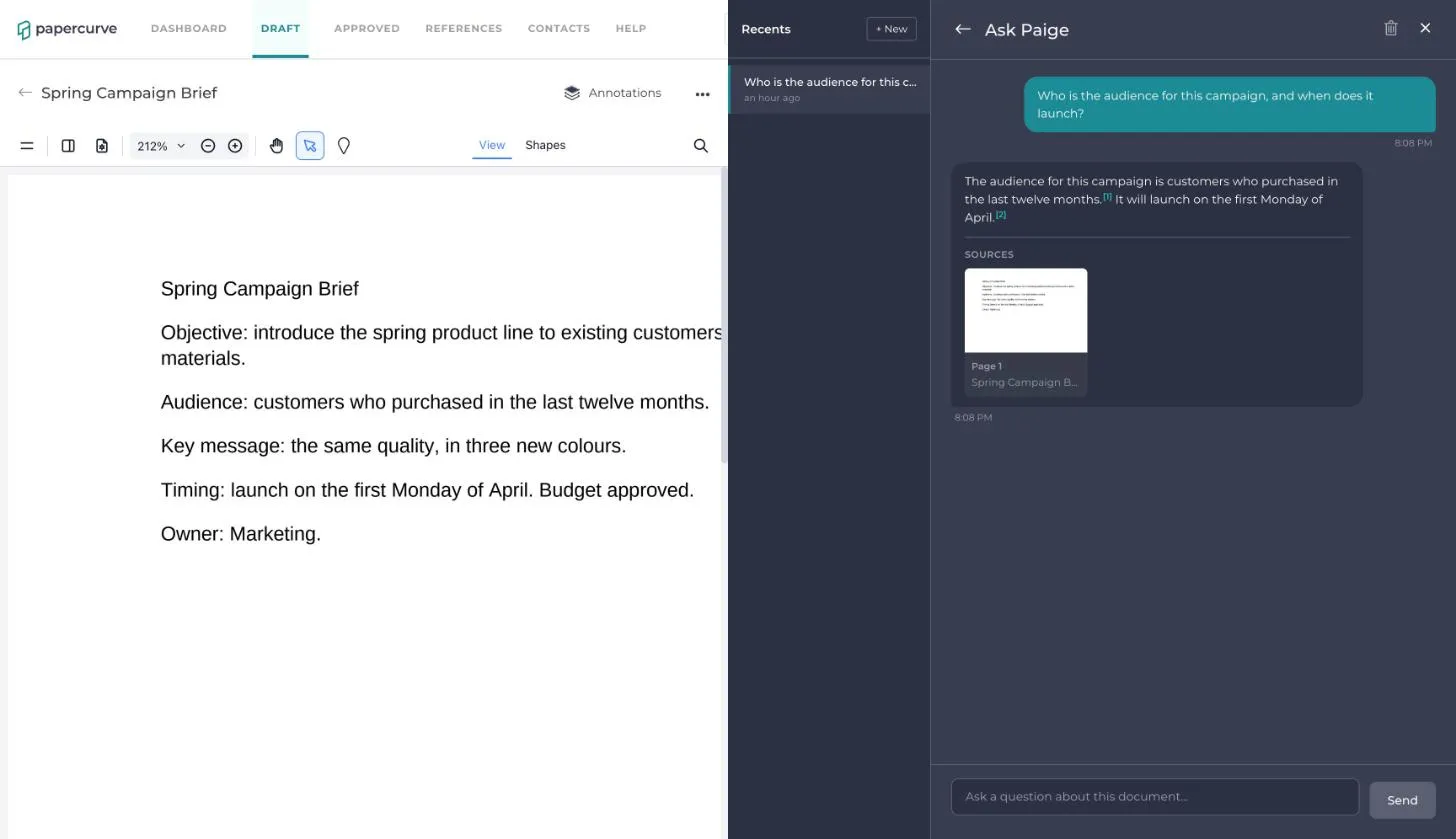
4. Click a citation or a source to go to that page in the document and check the answer for yourself.
5. Keep going. Ask a follow-up in the same conversation and Paige takes your earlier questions into account.
Your conversations
- Conversations are saved and listed under Recents, named after your first question. Click one to pick it up again.
- Click + New to start a fresh conversation.
- To delete the conversation you have open, click the trash icon at the top of the panel.
- Your conversations are private. Other people looking at the same document do not see them.
What Paige can and can’t answer
- Paige answers only from the document you have open. It works on drafts as well as released content.
- If the document does not contain the answer, Paige tells you so rather than guessing.
- A document can be asked about once Paige has finished reading it. That happens automatically after every upload and every new version. Until then the panel says Processing document.
- Ask Paige is not available for videos.
To ask a question across every document in a library, see Ask Paige About a Library.
Still have questions?
Chat
9am – 5pm Eastern Time, by clicking the icon in the bottom right corner of the screen.