


Paige Review for PAAB: The Coverage Tab
A list of findings tells you what Paige found. It doesn’t tell you what Paige looked for. The Coverage tab answers that for every provision of the PAAB Code: whether Paige checked it, found it doesn’t apply to this piece, or couldn’t check it and left it for a person.
Use it before you submit, to make sure nothing was left unchecked.
This is part of Paige Review for PAAB: The Complete Guide.
Opening the Coverage tab
Open Paige Review and click Coverage. The top says how many provisions were checked, for example 84 of 119 provisions checked, with What Paige did with each provision of the PAAB Code on this review.
Filters show each status with its count. All shows every provision.
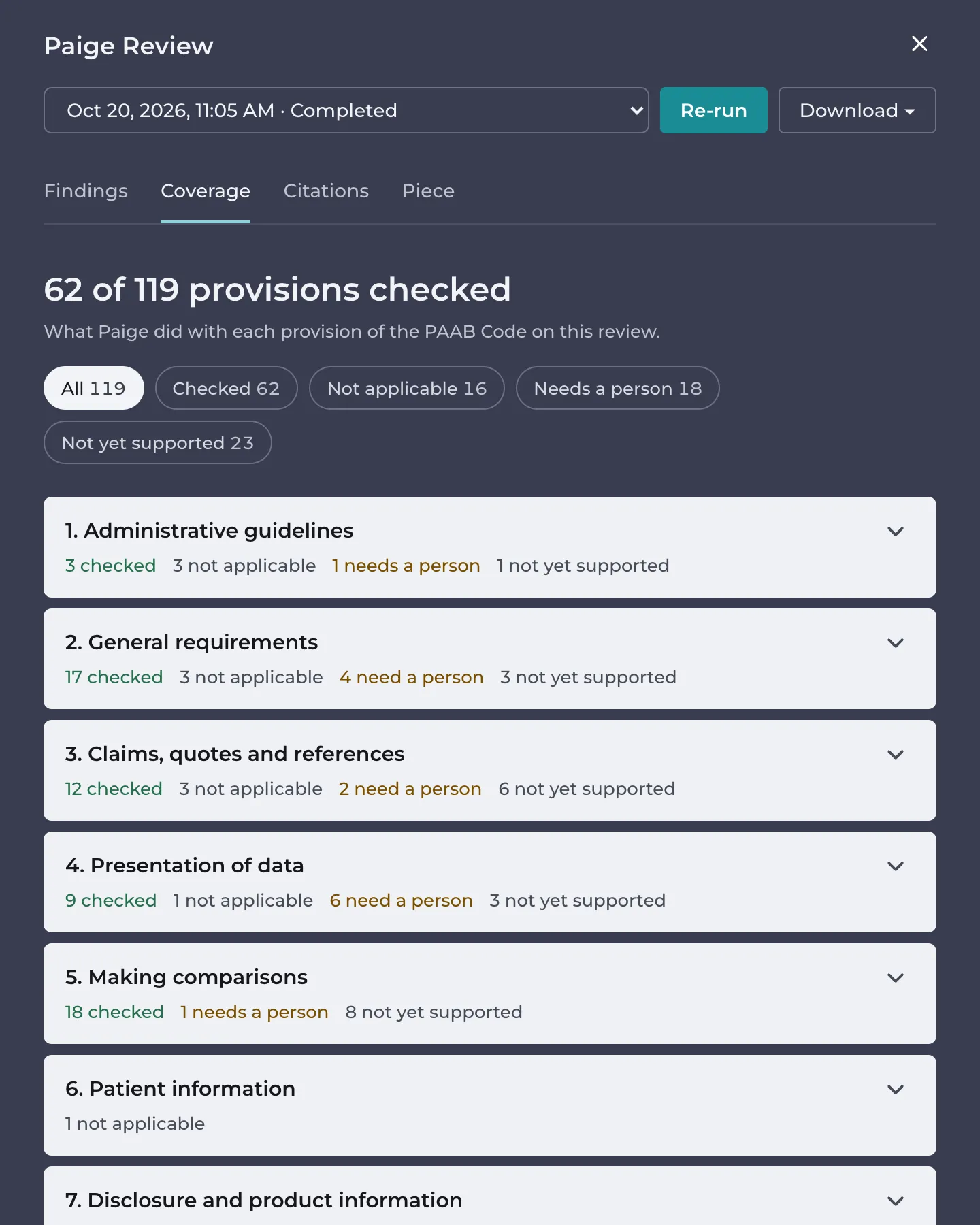
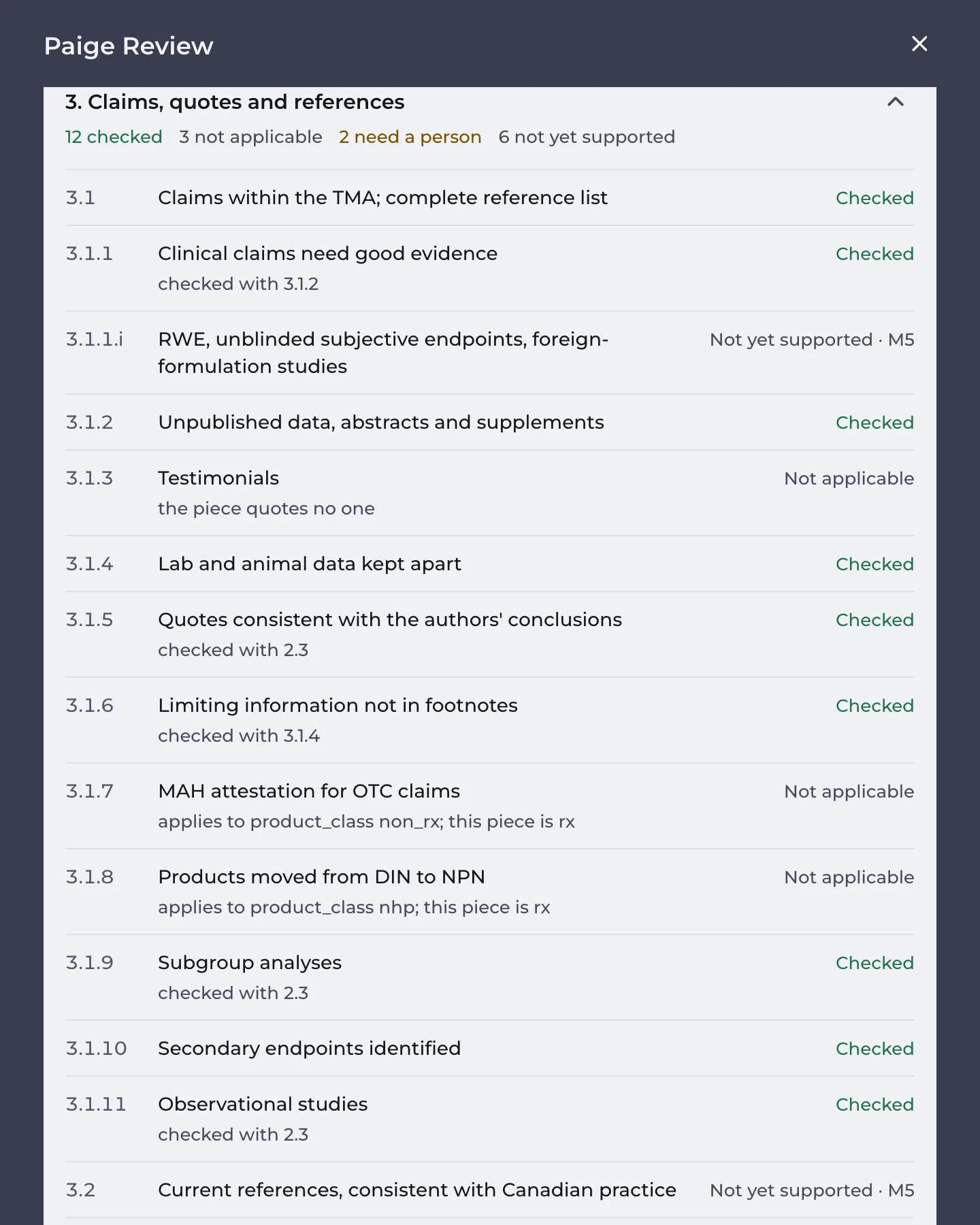
The provisions are grouped by the sections of the Code: Administrative guidelines, General requirements, Claims, quotes and references, Presentation of data, Making comparisons, Patient information, and Disclosure and product information. Click a section to see its provisions. Each one shows its number, its title, what Paige did and why.
What each status means
- Checked: Paige checked the provision. It either found nothing or raised findings, and the count of findings is shown. Some provisions are checked together with a related one, and say so, for example checked with 2.6.
- Not applicable: the provision doesn’t apply to this piece, with the reason, for example applies to audience hcp; this piece is patient. Provisions that apply only in some cases say Only if with the condition.
- Needs a person: Paige couldn’t check it on this piece and a person must. Either the check needs something Paige doesn’t have, or the provision is about something no one can see in the piece, such as how it will be distributed. The reason says which.
- Not yet supported: Paige doesn’t check this provision yet. A person must.
- Failed: the check ran into an error. Re-run the review.
- Pending: the review is still running, or the check was added to Paige after this review. Re-run to check it.
Acting on Needs a person
Read the reason. Many can be cleared so that Paige checks them next time:
- The product this piece promotes isn’t known. Set it on the Piece tab. See The Piece Tab.
- The monograph isn’t loaded with a verified product card. Ask an admin to link and verify it. See Verifying a Product Card.
- The cited studies haven’t been read yet. Re-run once they are.
Then click Re-run.
The rest are for your reviewers. They’re printed as a checklist in the PDF report, with a box to tick for each. See Downloading the Report.
Good to know
- The rulebook changed after this review; provisions without a check follow the current one. means Paige’s checks were updated after this review ran. Re-run to review the piece with the current checks.
- Coverage isn’t available while a review runs, or on reviews made before the current Paige Review.
Still have questions?
Chat
9am – 5pm Eastern Time, by clicking the icon in the bottom right corner of the screen.